Mecanius 2026
Finite element structural analysis for engineers. From the 3D model to the calculation report, with an assistant that helps you set up every simulation.
A product developed by MECANOVA LAB SpA.
From model to report
Use it in your browser or in the desktop app for Windows, which also includes an offline viewer.
Import your 3D model
Open your model in STEP format.
Set up
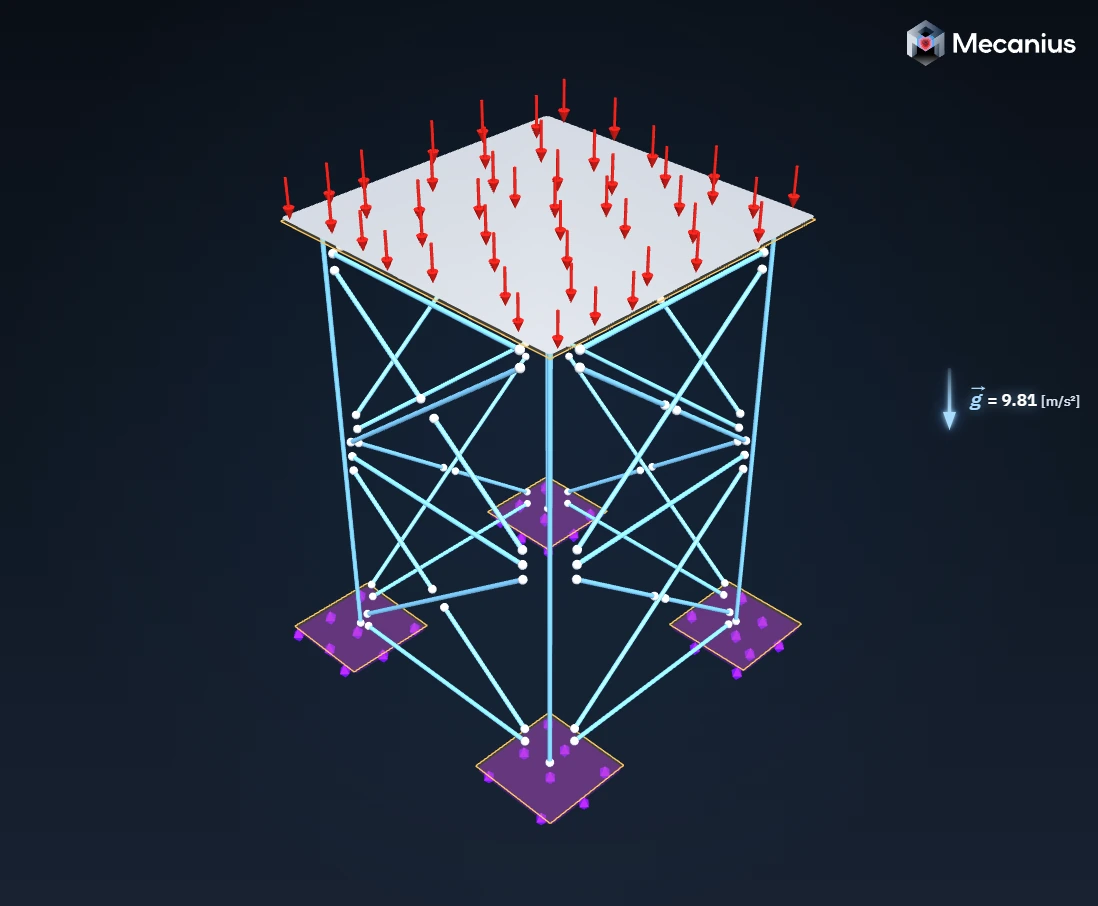
Define loads, supports and mesh. Vysia AI helps you do it.
Mesh
Start from a recommended mesh and adjust it if needed.
Solve
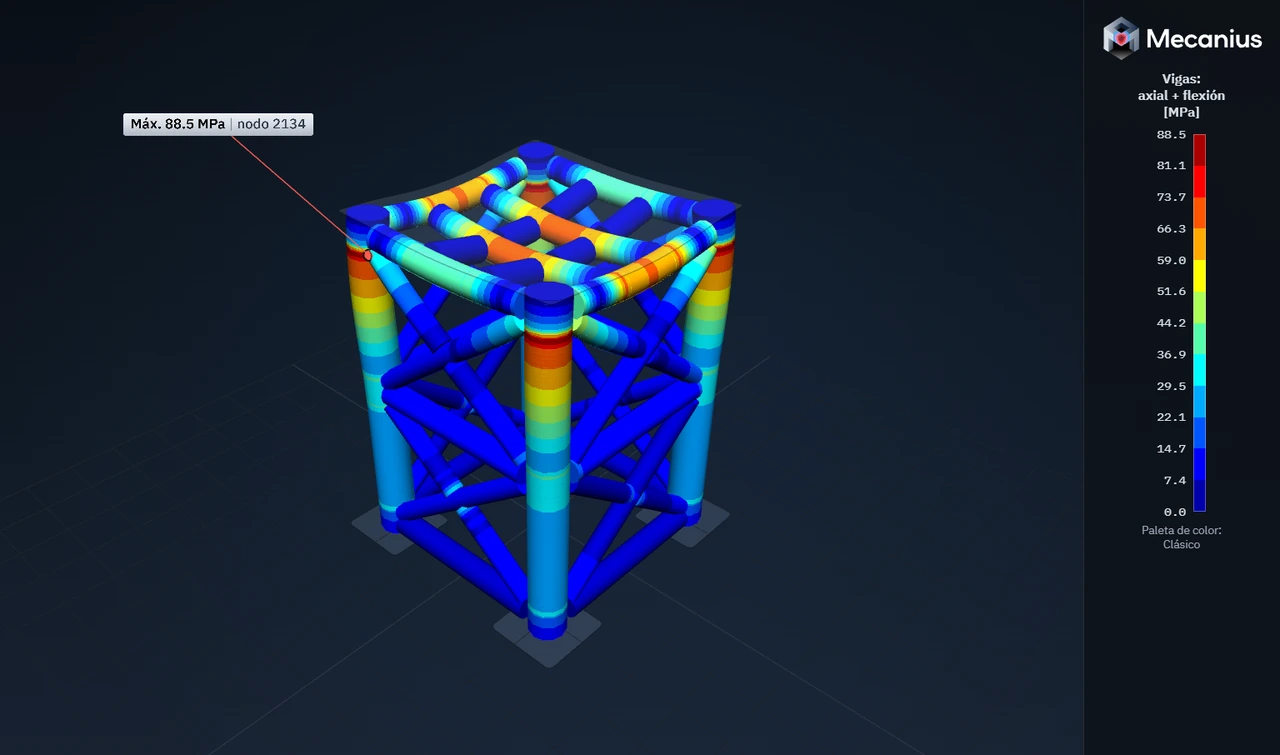
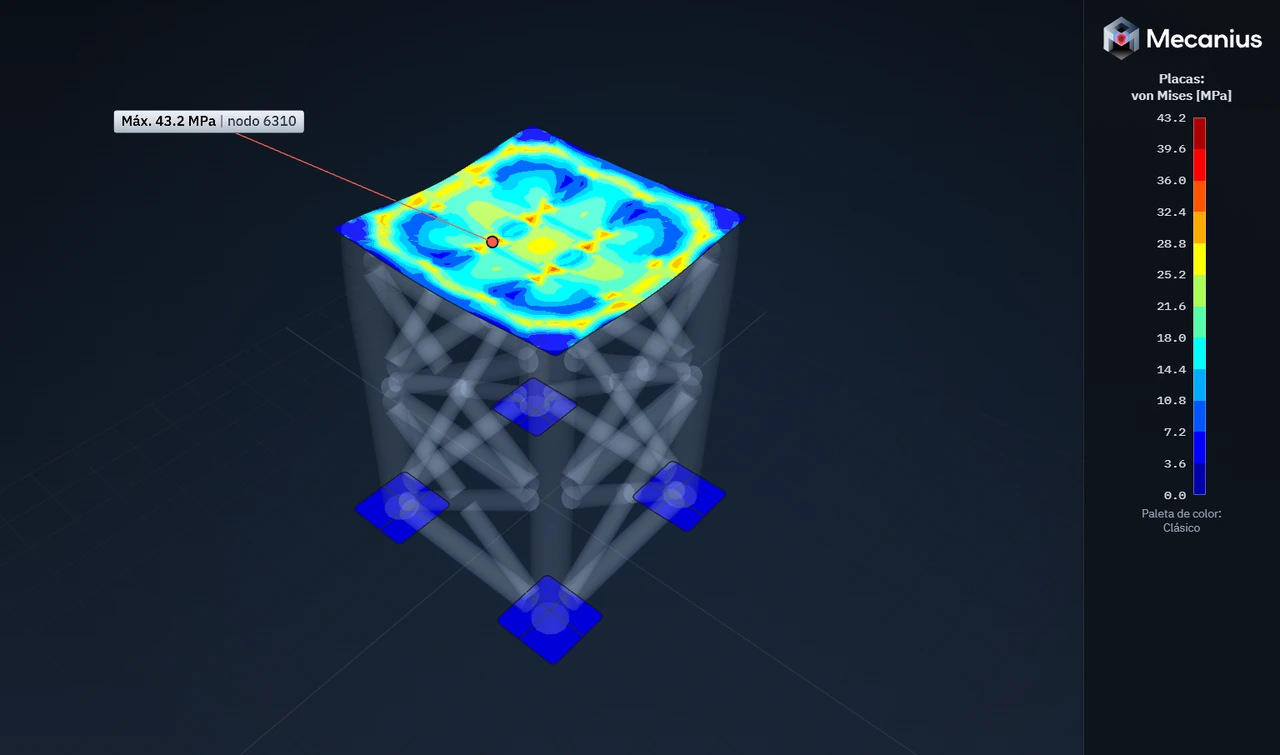
Modules: 3D Solids · Beams and Shells.
Review
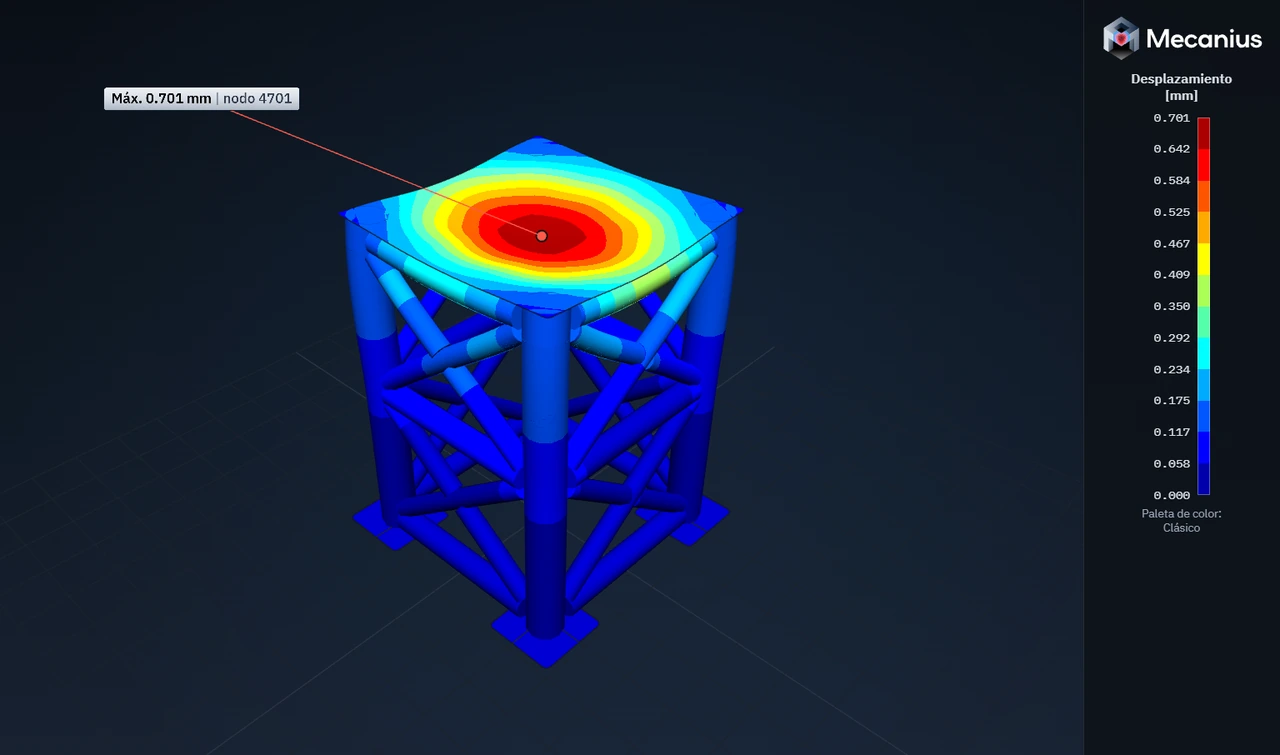
Von Mises stress, displacements, strain and factor of safety.
Report
Calculation report in Word and PDF.
Vysia AI
The Mecanius assistant has a single mission: helping you set up every simulation efficiently.
Describe in your own words where the loads, supports and mesh go, and Vysia AI proposes them on the model. You review and decide.
It learns from each user and adapts to the way they work. What it learns stays in your account: it isn’t mixed with other users’ data, it never leaves Mecanius, and you can delete it in Preferences.
It is Mecanius’s own assistant, and it runs on Mecanius servers.
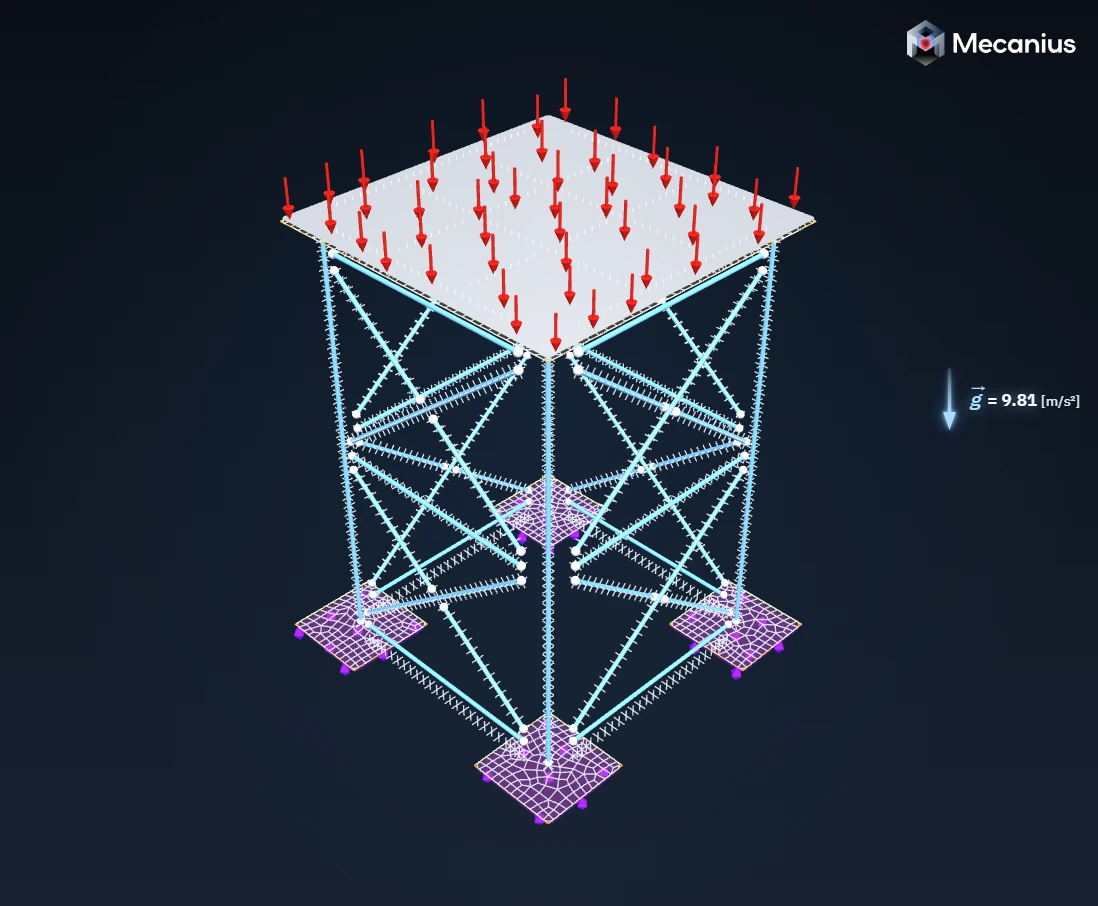
Fix the bottom plates of the base, apply 30 000 kgf to the top plate in the -Y direction, add gravity and suggest an initial mesh.
Beam & Shell
Reports anyone can verify
Each account has a license number. Each official report carries a verification code and a QR code, so your client can check that the report is authentic.
- License number
LIC-7K4Q-M29TExample- Verification code
MCN-H3XF-8WQR-5TNB-KExample
Plans and pricing
-
Engineers
Pro plan
USD 275 + VAT per month, per license
For engineers who want to explore finite element structural analysis and take their career to the next level. For professional and commercial use; it also suits a company that buys a single license.
-
Companies and engineering firms
Prime Commercial plan
Custom quote based on the number of licenses
One license per person, managed by someone in the organization.
-
Universities and engineering departments
Prime Academic plan
USD 165 + VAT per month, per license
For teaching, research and publications. Sold to institutions, and each student is invited with an end date.
Every plan includes every feature. Each person signs in with their own account, from any computer.
A look at Mecanius